

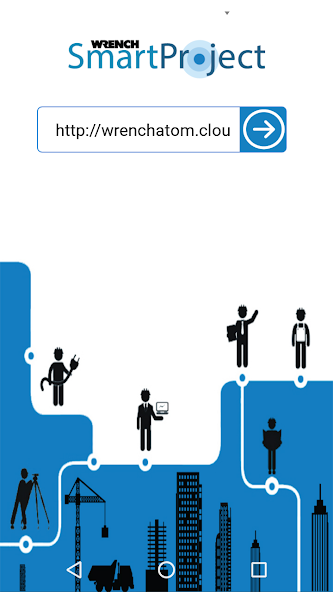
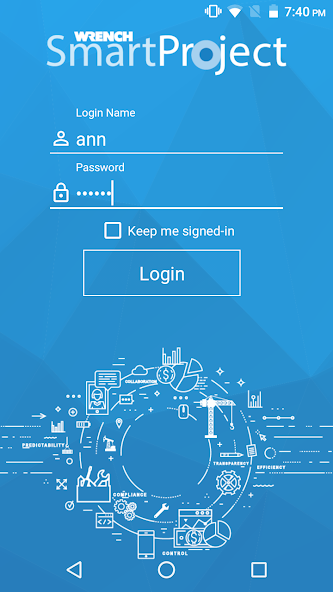
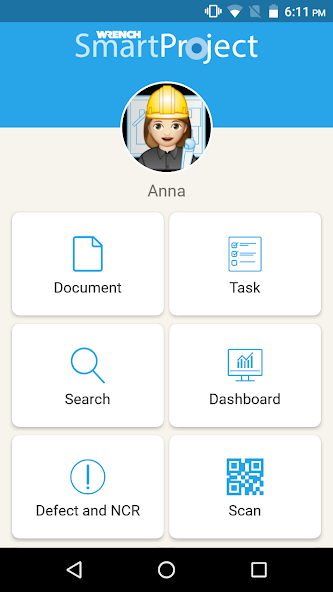
1. Welcome to WRENCH SmartProject mobile application.
-----------------------------------------------------------------------------
WRENCH SmartProject is an engineering and construction project control and EDMS solution, providing an integrated platform for the digital transformation of the project delivery process, including quality management, collaboration, and information management.
Modern engineering projects, especially the infrastructure and construction projects have distributed and simultaneous project execution, involving separate project teams working across different geographies. This adds challenges in letting people access project information from a variety of devices such as desktop PCs, mobile devices, and even the devices of the IOT class. WRENCH Mobile App is intended to be used on various hand-held devices in a distributed project management environment.
1.1 Capabilities
--------------------
Being part of a project control software application suite, the App offers functionalities to help manage various aspects of infrastructure projects.
1.1.1 Tasks
---------------
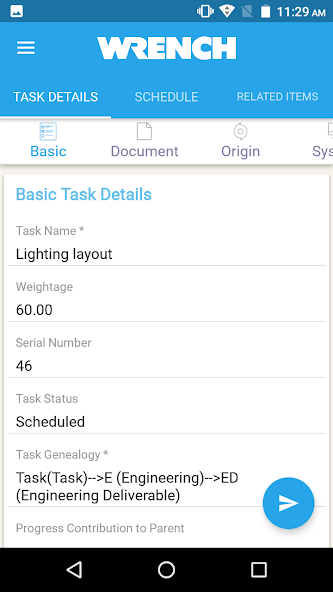
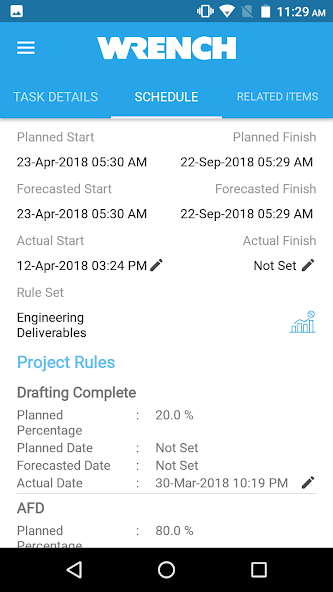
Tasks are activities that are scheduled as part of the project. The App can be used to view the tasks of interest, update the daily progress, etc.
1.1.2 Documents
-----------------------
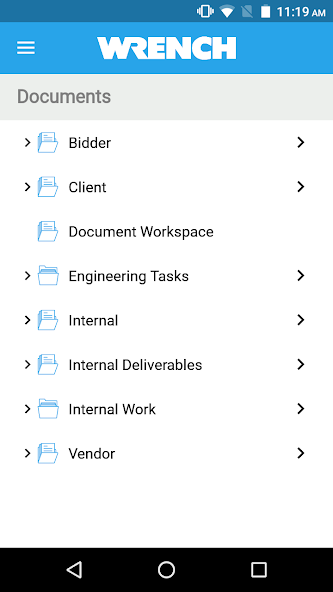
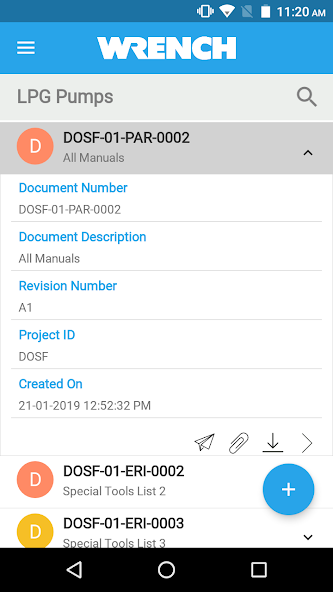
There can be various types of documents in a project such as engineering designs, procurement documents, invoices, etc. to name a few. These documents, any attachments to such documents, review comments on documents, etc. can be accessed using the mobile App.
1.1.2 Business Process Workflow
--------------------------------------------
Documents and tasks during their lifecycle are sent among people for various purposes such as reviews etc. The App is capable of depicting the business process like a flow chart and sends the documents and tasks through such flow designs (which is a representation of the business process) to ensure all documents and tasks are sent to everyone required before the lifecycle is completed.
1.1.3 Content organisation and Search
---------------------------------------------
The App has user interfaces where the documents and tasks are organised in easy-to-access folders. There are extensive search facilities available in the App for quickly accessing documents and tasks.
1.1.4 Project communications
----------------------------------------
The App can be used to create project communications (correspondences) and receive, and reply to such correspondences as well.
1.1.5 Attendance and Time sheets
---------------------------------------------
The App can be used for marking attendance and managing timelogs
1.1.6 Inspection and Commissioning
-----------------------------------------------
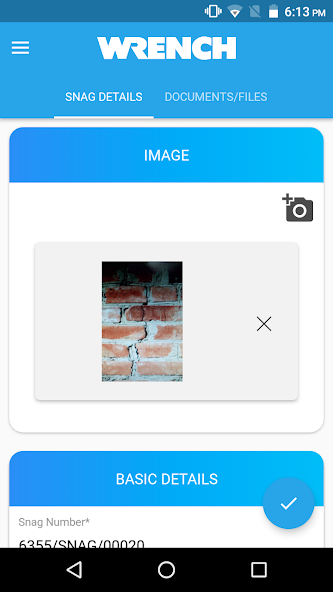
During the inspection phase of the project, construction defects are to be photographed, marked-up and highlighted using various markup tools and circulated to designated people for rectification. This facility is available in the App
1.1.7 Dashboards
-----------------------
Construction data organised into useful dashboards can be visualised using the App for making insightful decisions throughout the project.
Note: Oath Authentication is enabled in this app, so we need to re-write Client ID and Tenant ID (These details may vary based on the sites using SmartProject App) into a Json file for passing to Oath login API. For this, we will require the MANAGE_EXTERNAL_STORAGE permission to manage access to shared storage.
-----------------------------------------------------------------------------
WRENCH SmartProject is an engineering and construction project control and EDMS solution, providing an integrated platform for the digital transformation of the project delivery process, including quality management, collaboration, and information management.
Modern engineering projects, especially the infrastructure and construction projects have distributed and simultaneous project execution, involving separate project teams working across different geographies. This adds challenges in letting people access project information from a variety of devices such as desktop PCs, mobile devices, and even the devices of the IOT class. WRENCH Mobile App is intended to be used on various hand-held devices in a distributed project management environment.
1.1 Capabilities
--------------------
Being part of a project control software application suite, the App offers functionalities to help manage various aspects of infrastructure projects.
1.1.1 Tasks
---------------
Tasks are activities that are scheduled as part of the project. The App can be used to view the tasks of interest, update the daily progress, etc.
1.1.2 Documents
-----------------------
There can be various types of documents in a project such as engineering designs, procurement documents, invoices, etc. to name a few. These documents, any attachments to such documents, review comments on documents, etc. can be accessed using the mobile App.
1.1.2 Business Process Workflow
--------------------------------------------
Documents and tasks during their lifecycle are sent among people for various purposes such as reviews etc. The App is capable of depicting the business process like a flow chart and sends the documents and tasks through such flow designs (which is a representation of the business process) to ensure all documents and tasks are sent to everyone required before the lifecycle is completed.
1.1.3 Content organisation and Search
---------------------------------------------
The App has user interfaces where the documents and tasks are organised in easy-to-access folders. There are extensive search facilities available in the App for quickly accessing documents and tasks.
1.1.4 Project communications
----------------------------------------
The App can be used to create project communications (correspondences) and receive, and reply to such correspondences as well.
1.1.5 Attendance and Time sheets
---------------------------------------------
The App can be used for marking attendance and managing timelogs
1.1.6 Inspection and Commissioning
-----------------------------------------------
During the inspection phase of the project, construction defects are to be photographed, marked-up and highlighted using various markup tools and circulated to designated people for rectification. This facility is available in the App
1.1.7 Dashboards
-----------------------
Construction data organised into useful dashboards can be visualised using the App for making insightful decisions throughout the project.
Note: Oath Authentication is enabled in this app, so we need to re-write Client ID and Tenant ID (These details may vary based on the sites using SmartProject App) into a Json file for passing to Oath login API. For this, we will require the MANAGE_EXTERNAL_STORAGE permission to manage access to shared storage.
Updated on
Feb 20, 2026
BUSINESS
