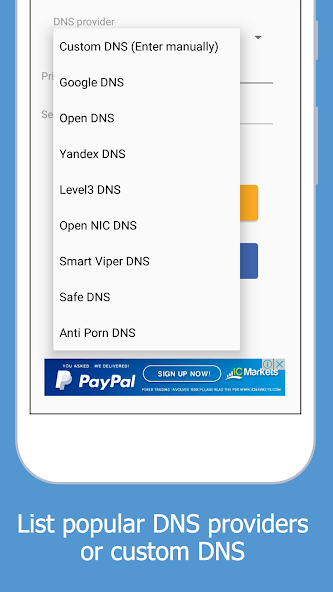
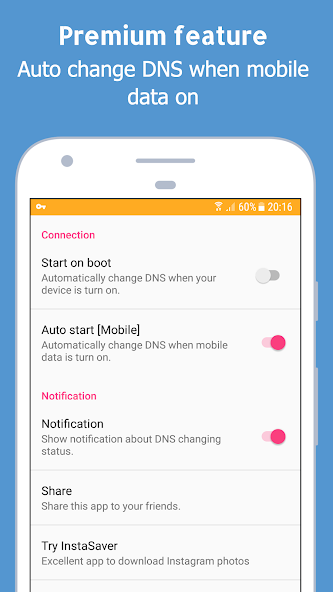
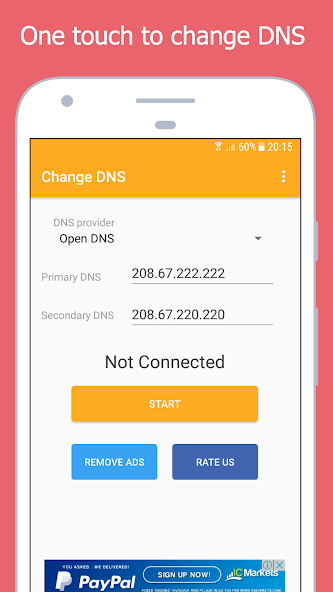
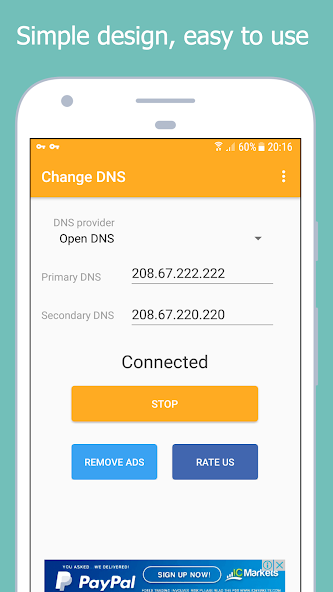
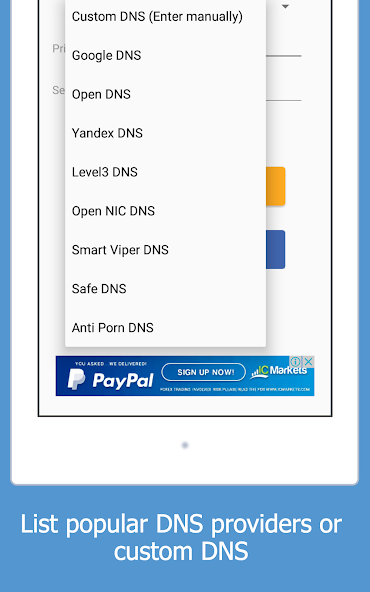
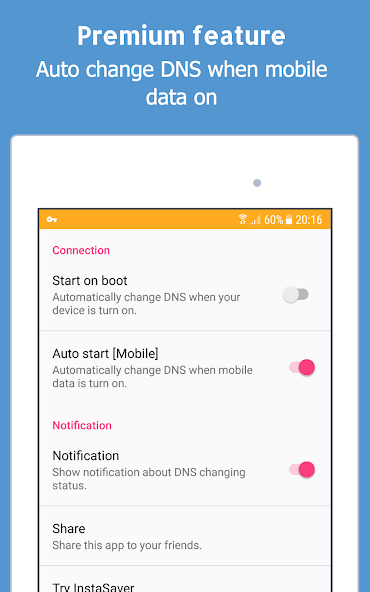
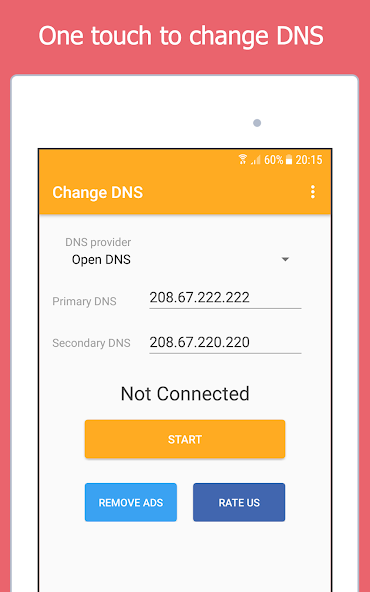
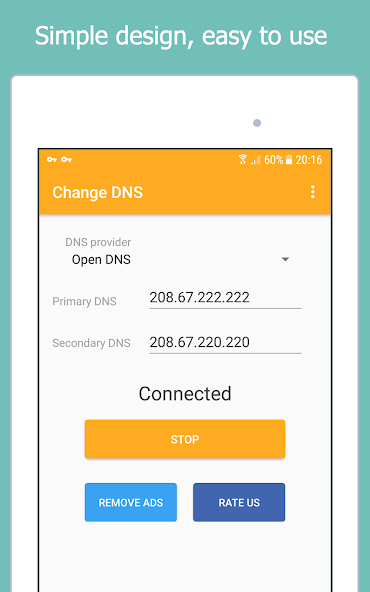
- Change your DNS settings instantly with just one tap.
- Access blocked or restricted websites with ease.
- Enjoy faster and more stable browsing with the right DNS server.
- Clean, simple, and easy-to-use interface.
- Works on both Wi-Fi and Mobile Data, no root required.
Change DNS is a powerful yet simple DNS changer for Android. Whether you want to speed up your internet connection, unblock restricted websites, or improve security, this tool helps you switch DNS servers effortlessly.
Unlike many DNS changer apps, Change DNS works without root and supports both Wi-Fi and Mobile Data. With its lightweight design and one-click setup, anyone can optimize their internet experience in seconds.
<b>? Why does this app create a VPN connection?</b>
To apply custom DNS without root permissions, Android requires the use of a local VPN interface. This VPN is only used to change DNS settings — no data ever leaves your device. You can confirm this by checking your system VPN logs: there is no data usage like a real VPN.
So rest assured — this app is not a VPN service and does not collect or route your traffic. It simply ensures your chosen DNS servers are applied system-wide.
? Try Change DNS today and experience <b> faster, safer, and more open browsing</b> with just one tap!
- Access blocked or restricted websites with ease.
- Enjoy faster and more stable browsing with the right DNS server.
- Clean, simple, and easy-to-use interface.
- Works on both Wi-Fi and Mobile Data, no root required.
Change DNS is a powerful yet simple DNS changer for Android. Whether you want to speed up your internet connection, unblock restricted websites, or improve security, this tool helps you switch DNS servers effortlessly.
Unlike many DNS changer apps, Change DNS works without root and supports both Wi-Fi and Mobile Data. With its lightweight design and one-click setup, anyone can optimize their internet experience in seconds.
<b>? Why does this app create a VPN connection?</b>
To apply custom DNS without root permissions, Android requires the use of a local VPN interface. This VPN is only used to change DNS settings — no data ever leaves your device. You can confirm this by checking your system VPN logs: there is no data usage like a real VPN.
So rest assured — this app is not a VPN service and does not collect or route your traffic. It simply ensures your chosen DNS servers are applied system-wide.
? Try Change DNS today and experience <b> faster, safer, and more open browsing</b> with just one tap!
Updated on
Feb 14, 2026
TOOLS
