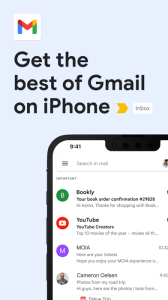
The official Gmail app brings the best of Gmail to your iPhone or iPad with robust security, real-time notifications, multiple account support, and search that works across all your mail.
With the Gmail app, you can:
• Make Gmail your default email app on iOS
• Use Gemini* in Gmail to summarize emails, craft or refine responses, or search your inbox to find what you’re looking for
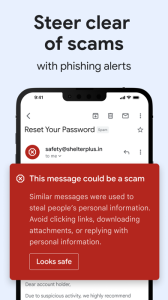
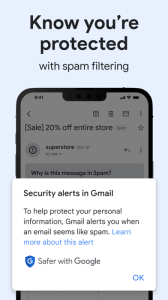
• Automatically block more than 99.9 percent of spam, phishing, malware, and dangerous links from ever reaching your inbox
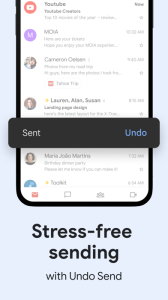
• Undo send, to prevent embarrassing mistakes
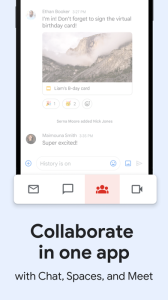
• Turn on Google Chat to connect, create and collaborate with others
• Get more done as a group in Spaces - a dedicated place for organizing people, topics, and projects
• Enjoy high quality video calling with Google Meet
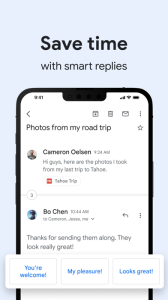
• Respond to emails quickly with Smart Reply suggestions
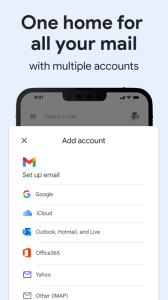
• Switch between multiple accounts
• Get notified of new mail fast, with notification center, badge, and lock screen options
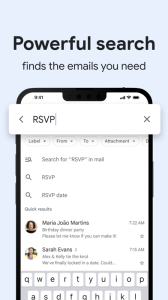
• Search your mail faster with instant results, predictions as you type, and spelling suggestions
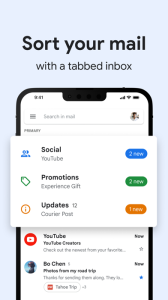
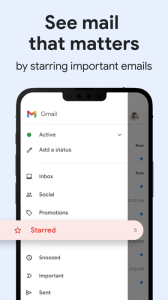
• Organize your mail by labeling, starring, deleting, and reporting spam
• Swipe to archive/delete, to quickly clear out your inbox
• Read your mail with threaded conversations
• Auto-complete contact names as you type from your Google contacts or your phone
• Respond to Google Calendar invites right from the app
Gmail is part of Google Workspace, allowing you and your team to easily connect, create, and collaborate. You can:
• Connect with coworkers via Google Meet or Google Chat, send an invite in Calendar, add an action to your task list, and more without leaving Gmail
• Use suggested actions — like Smart Reply, Smart Compose, grammar suggestions, and nudges — to help you stay on top of work and take care of simple tasks, so you can be more efficient with your time
• Stay safe. Our machine learning models block more than 99.9% of spam, phishing, and malware from reaching our users
*Google One AI Premium subscription and internet connection required. Language and country availability may vary. Check responses for accuracy